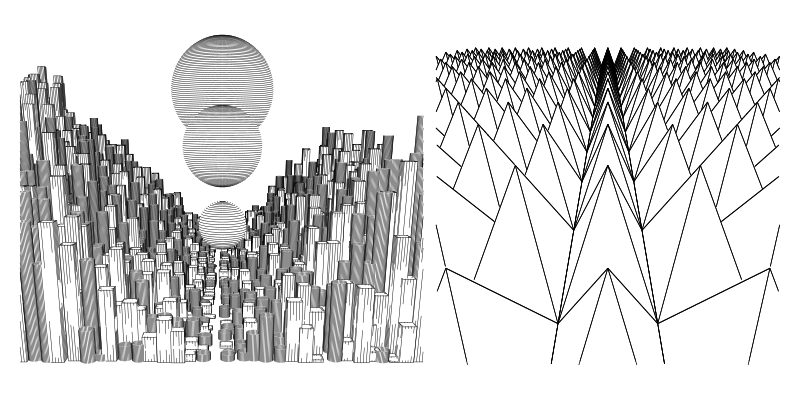
Viewport.js
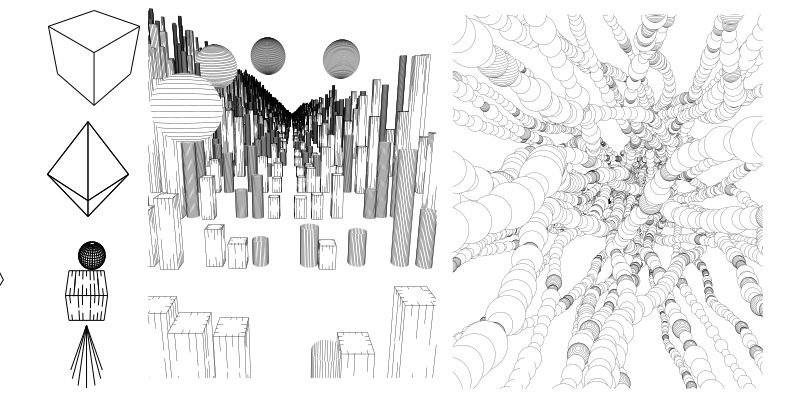
Below I've added some quick links to primitives, and a p5 sketch to play around with some shapes.
- Sphere ShadedSphere HShpere
- Cube Striped Cube
- Cone OutlineCone
- Cylinder OutlineCylinder
- Shard -- like a diamond
- Mesh - Obj and STL
- FunctionLines Plot a function in 3d space
Meshes can be added as OBJ, STL, or just by making yuour own triangles.
Some utilites are included and required for use such as a simple vector and matrix math. Examples are available to in the example directory, but to setup a scene, it only takes a dozen lines of code as outlined below.
Getting started
<script type="module" src="yourSketch.js"></script>
yourSketch.js
import { Scene, Cube,Vector} from "../src/viewport.js";

let scene = new Scene()
let center = new Vector(0, 0, 0)/// where we look to
let up = new Vector(0, 0, 1)
let eye = new Vector(6, 10, 15)//
let w= 500; let h = 500;
let fovy = 30

let cube = new Cube()
scene.add(cube)
let paths = scene.render(eye, center, up, w, h, fovy, 0.01, 100,0.1)
paths.pathsToSVG()// to save
To get you started quickly i've put together a sketch on OpenProcessing.org to play around with everything without having to hassle with setting up an enviroment. Just click the fork button to get started, as changes to the code wont work here.
The easiest way to place a shape where you want to put it is with the Transformed shape class. This allows you to place any object that assumes its drawn at 0,0 , such as a cylinder, and transform it anywhere in 3d space.
let matrix = Translate(new Vector(-3,0,0))/// translate a shape 3 units to the right
matrix = matrix.rotate(up,radians(45))// rotate matrix 45 degrees on z axis
cube = new TransformedShape(cube,matrix)
scene.add(cube)
If you want to draw your own paths, you can override "Primitive".prototype.paths() or edit the source file. Paths should be created of a Paths object made up of Path objects.